

PageSpeed Insights is an external Google tool. Performance scores can vary between tests because of network conditions, device simulation, and changes to your website.
How to Improve Your Website Performance
1
Get Your Website Link
Choose the option that matches your website’s current status:

- Unpublished website: In your Readdy project, open the preview page in a new browser tab, then copy the preview URL from the address bar.
- Published website: Copy your website’s published domain.
2
Run a PageSpeed Insights Test
Open PageSpeed Insights, paste your preview URL or published domain into the input field, then click “Analyze”.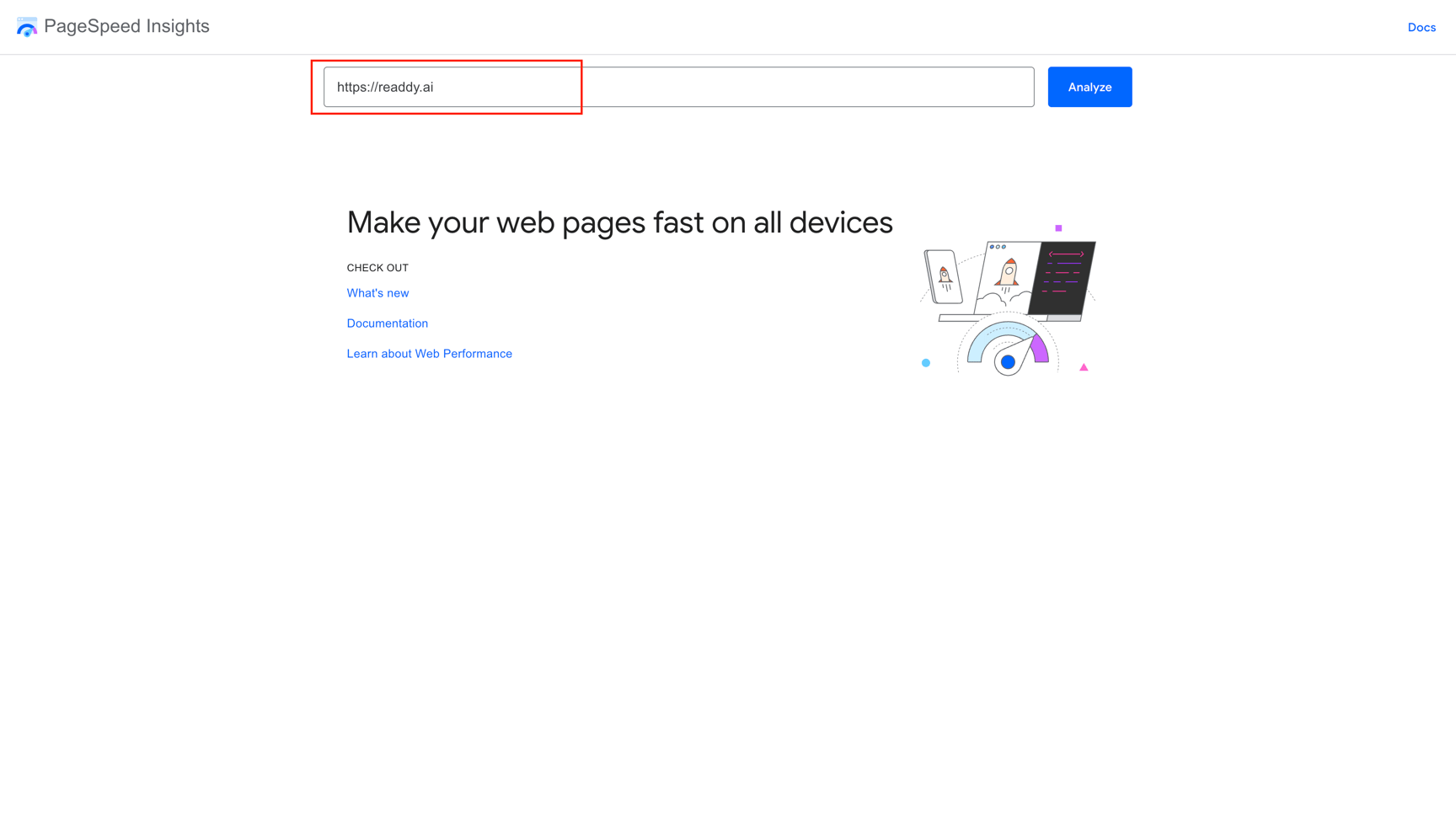
3
Copy the Mobile and Desktop Report Links
When the test is complete, select “Mobile”, click “Copy Link”, and save the report link. Then select “Desktop” and copy that report link too.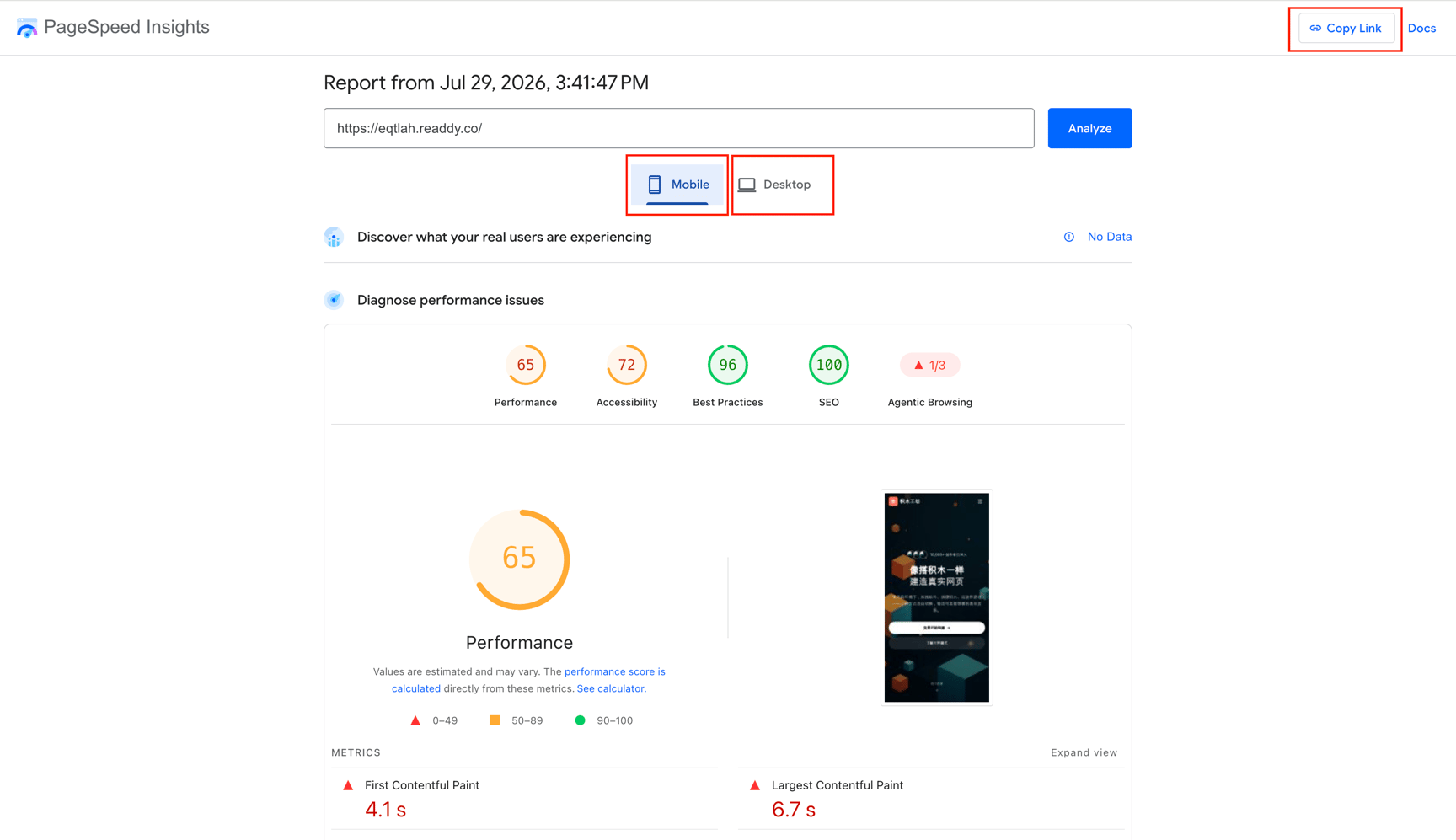
4
Ask Readdy AI to Optimize Your Website
Return to your Readdy project and paste both report links into the chat. Ask Readdy AI to use the diagnostic results to improve your website’s performance.For example:
5
Publish and Test Again
If your website is already published, publish the optimized version and wait 3–5 minutes before running another test. If it is unpublished, open the latest preview in a new tab and test its new preview URL.
FAQ
Why is my PageSpeed Insights score different each time?
Why is my PageSpeed Insights score different each time?
PageSpeed Insights uses simulated devices and network conditions, so results can vary between tests. Compare several tests and look for recurring recommendations instead of relying on a single score.
Why should I copy both the Mobile and Desktop report links?
Why should I copy both the Mobile and Desktop report links?
Mobile and desktop tests use different device and network conditions. Sharing both reports helps Readdy AI identify issues that may affect only one experience.
Can Readdy AI guarantee a specific performance score?
Can Readdy AI guarantee a specific performance score?
No. Readdy AI can improve issues identified in the reports, but the final score also depends on your content, third-party services, network conditions, and PageSpeed Insights testing conditions.