

- Plan a full week with AI: Generate 5 topic ideas and turn them into a week of ready-to-review posts
- Use AI-recommended publish times: Line up posts at suggested times throughout the week
- Publish to 4 platforms in one click: Automatically publish platform-ready captions and images to Facebook, Instagram, X, and LinkedIn
- Track post performance after publishing: Review delivery, impressions, likes, comments, and website visitors in Sent
How It Works
1
Open AI Social Posts
From the left sidebar, click AI Social Posts.If you see the setup screen, click “Generate weekly plan”. If you already have posts, you will land in Upcoming, where you can review this week’s drafts and scheduled posts.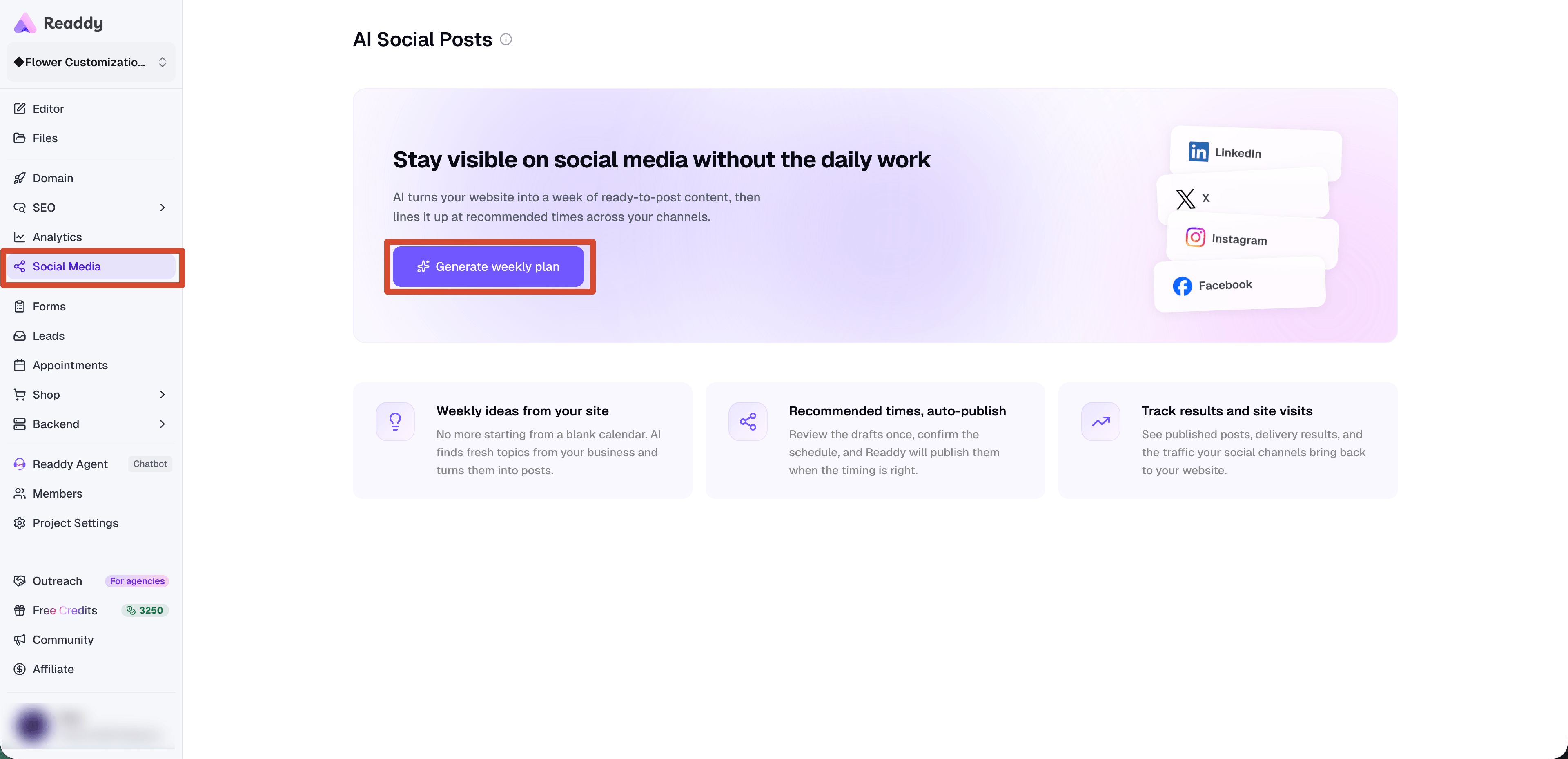
2
Review Weekly Topics
Readdy’s AI Planner suggests 5 topics for the selected week.You can: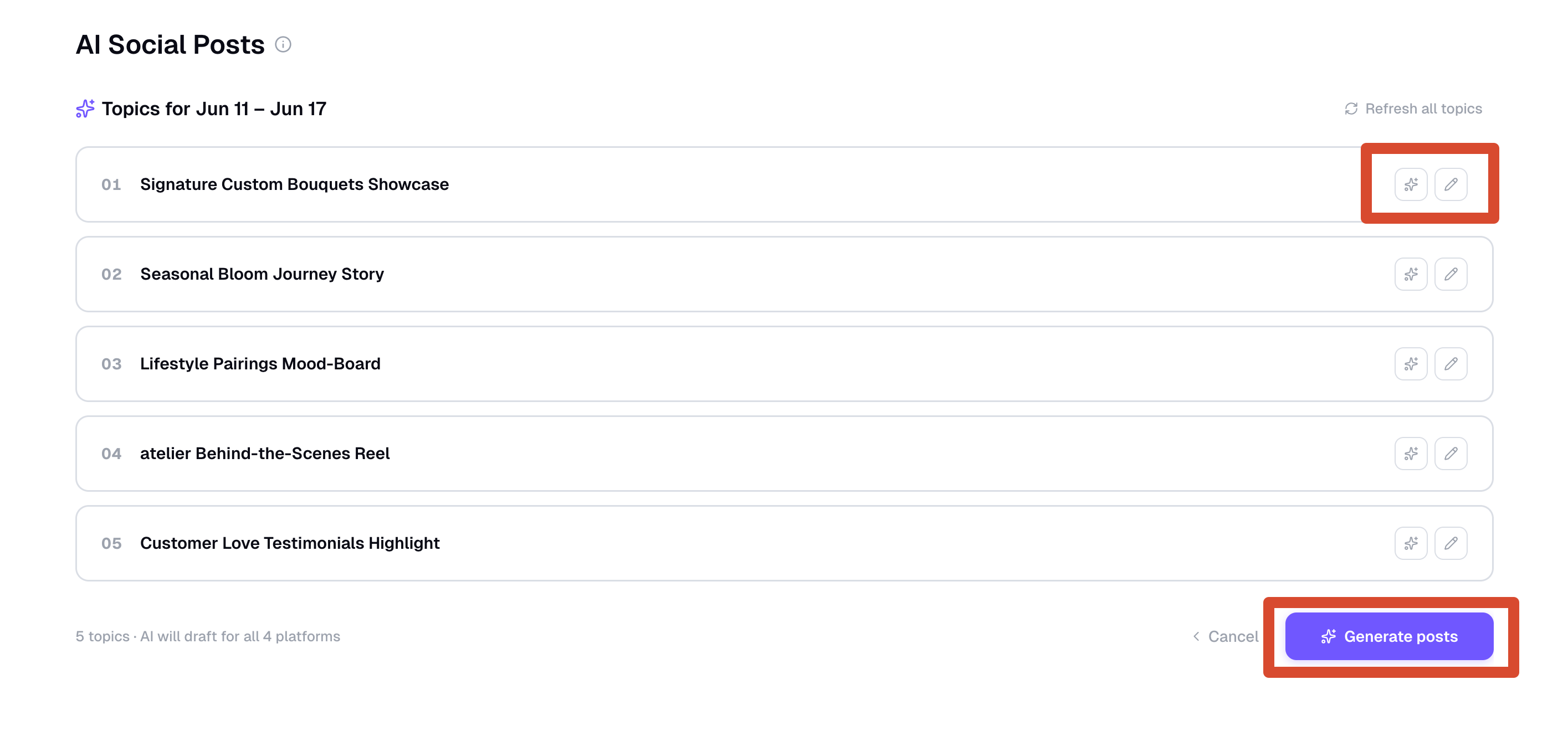
- Click “Refresh all topics” to replace the full set
- Regenerate a single topic
- Optionally edit a topic before generating posts
- Click “Generate posts” when the topics look right
3
Manage Connected Accounts
Open Manage Accounts from the social accounts area to connect or disconnect platforms.If the project has no connected social platforms yet, connect at least one platform before viewing the generated weekly posts.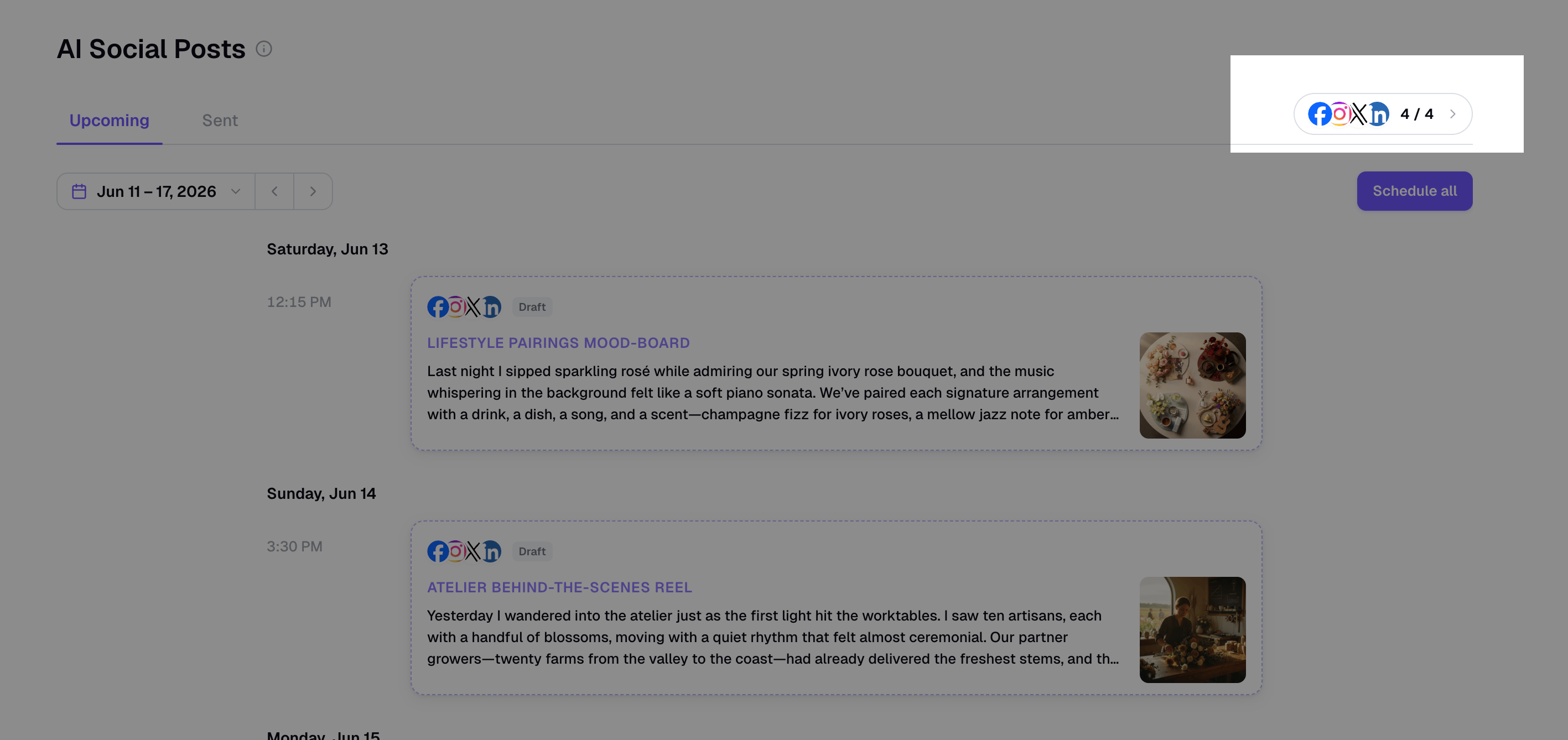
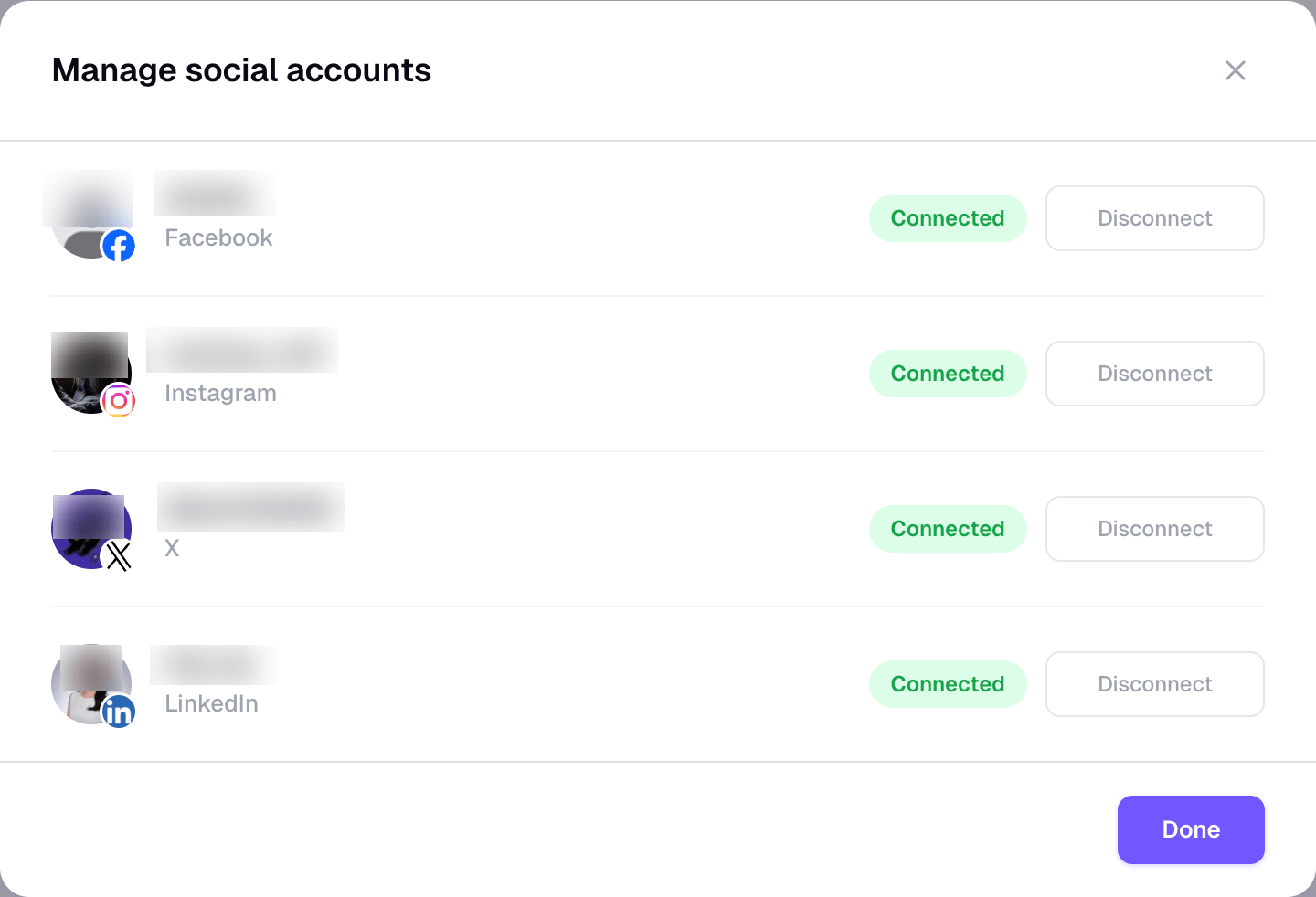
- Supported platforms: Facebook, Instagram, X, and LinkedIn
- Who can manage accounts: Project Owners and Editors can connect, disconnect, publish, schedule, and retry. Viewers can only view available post content.
- Expired connections: If a token expires, the account shows as needing reconnect. Reconnect it before publishing or retrying that platform.
- Disconnecting: Removing an account revokes Readdy’s posting access for that platform. You can reconnect later.
4
Generate the Week's Posts
Readdy creates captions, images, and recommended publish times for the week.Each topic becomes one post card in Upcoming. A card can include versions for Facebook, Instagram, X, and LinkedIn, depending on which accounts are connected and which platform content is available.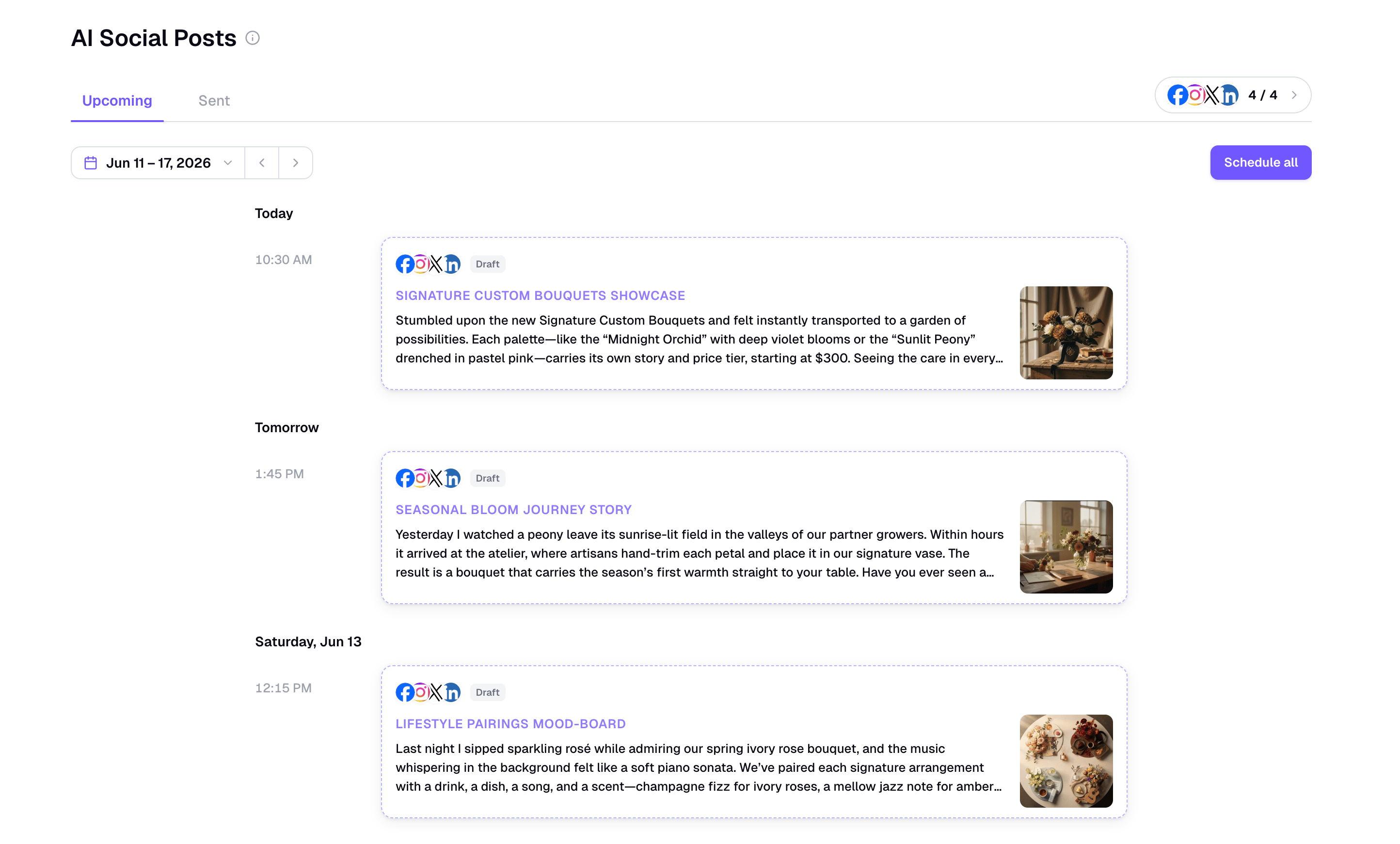
5
Review and Schedule in Upcoming
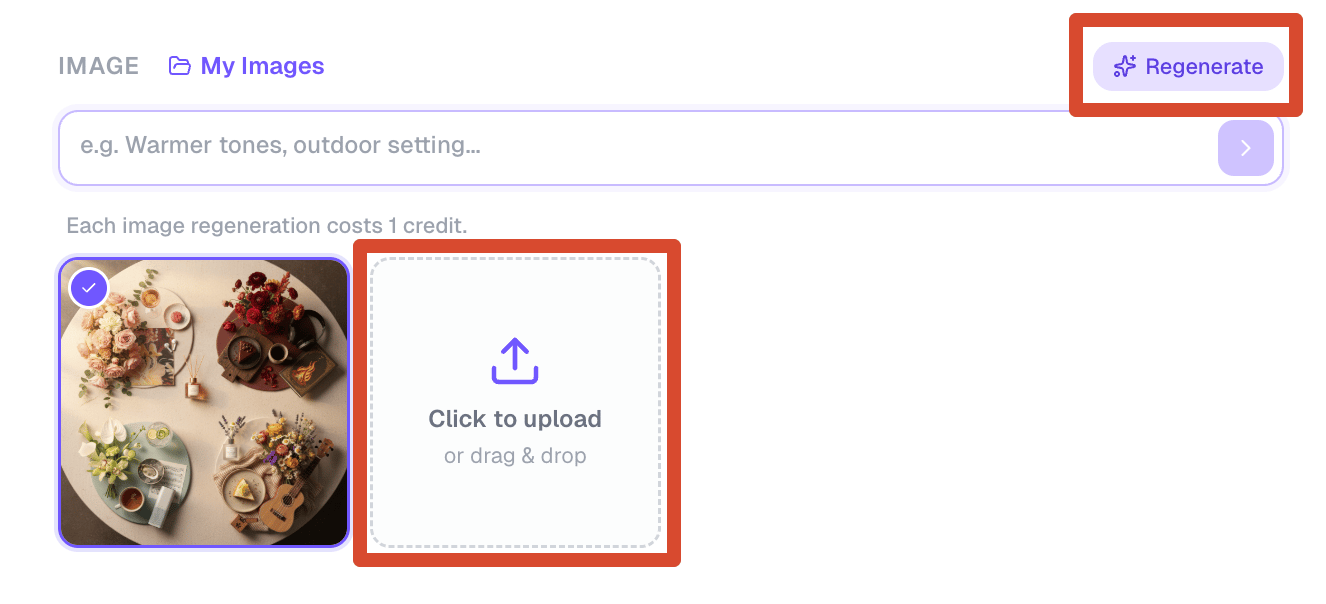
Upcoming is your planning workspace for future posts.Open any draft to edit: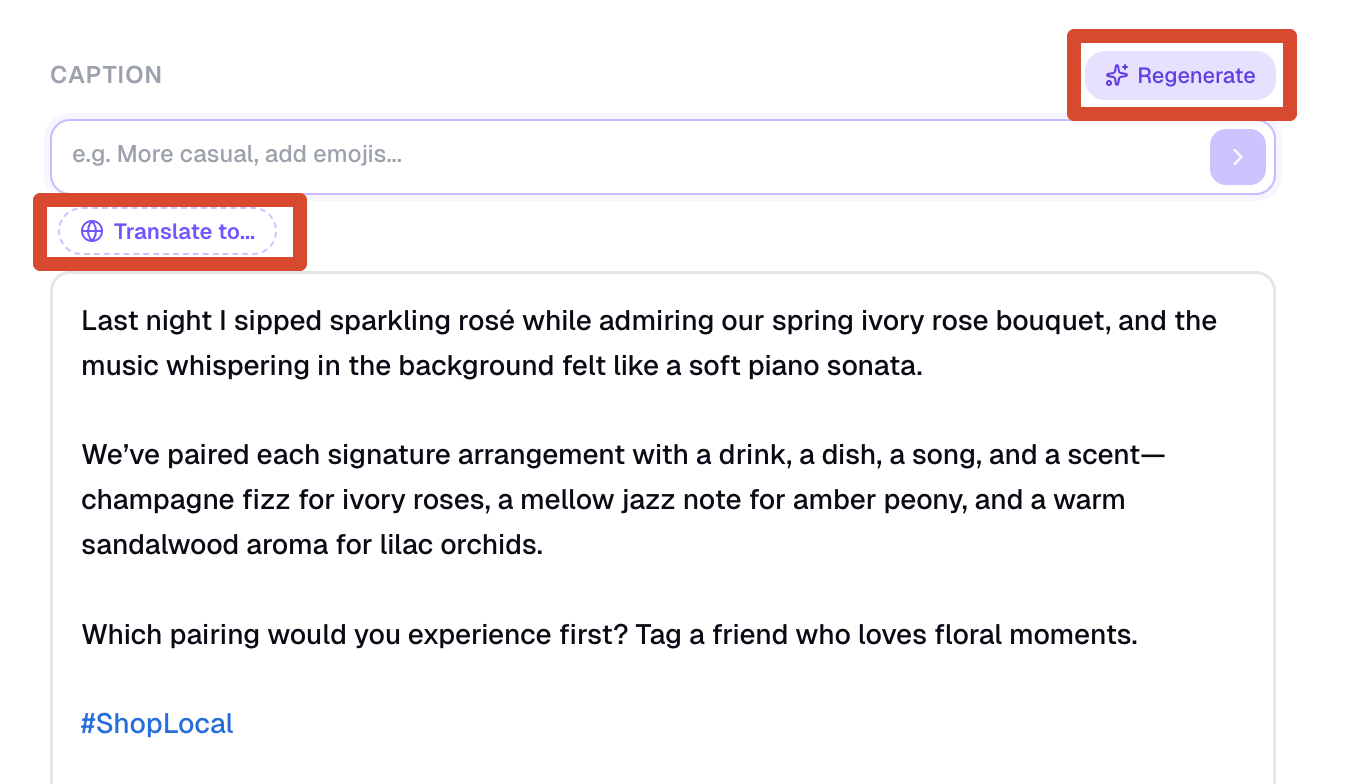
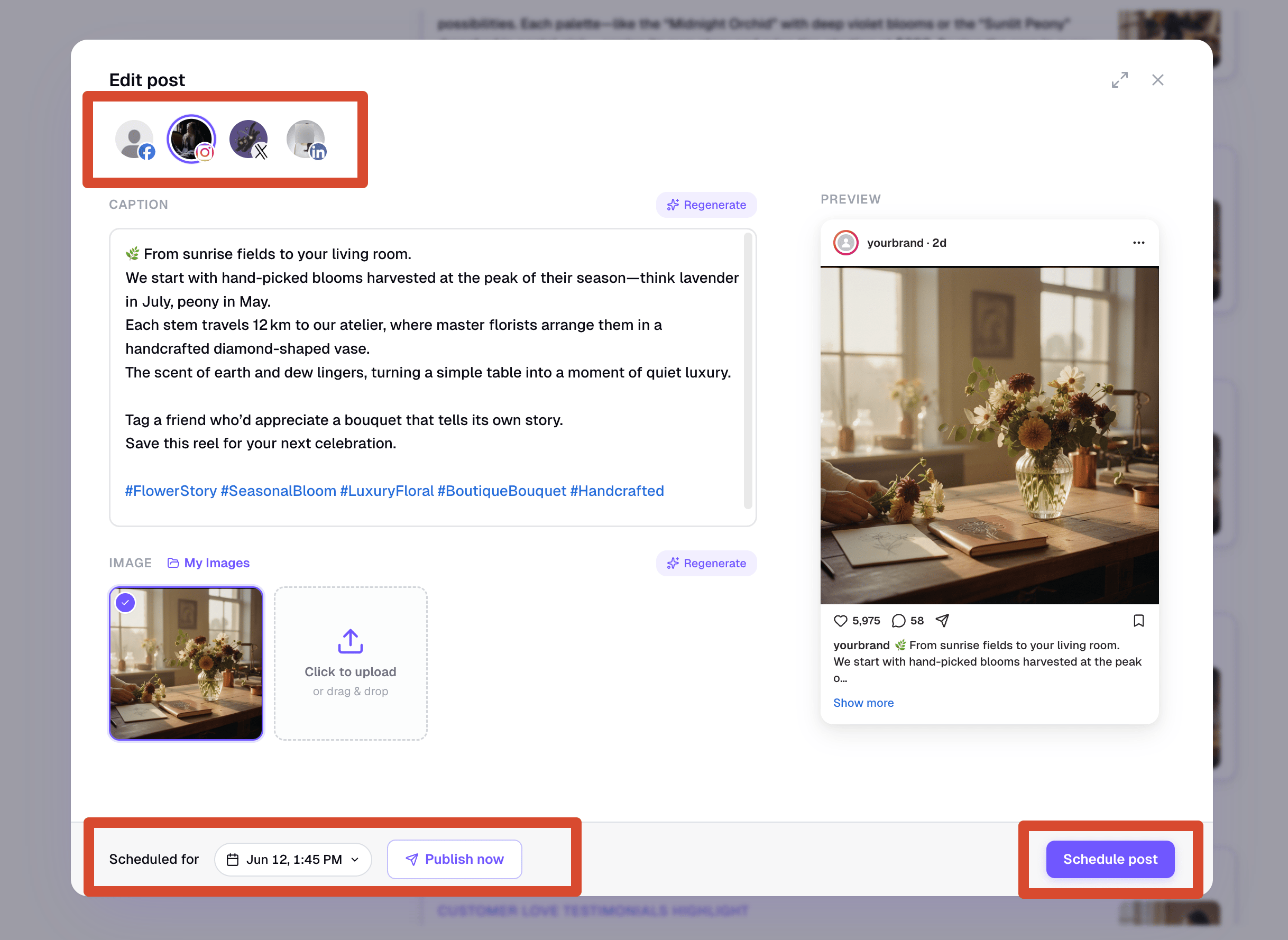
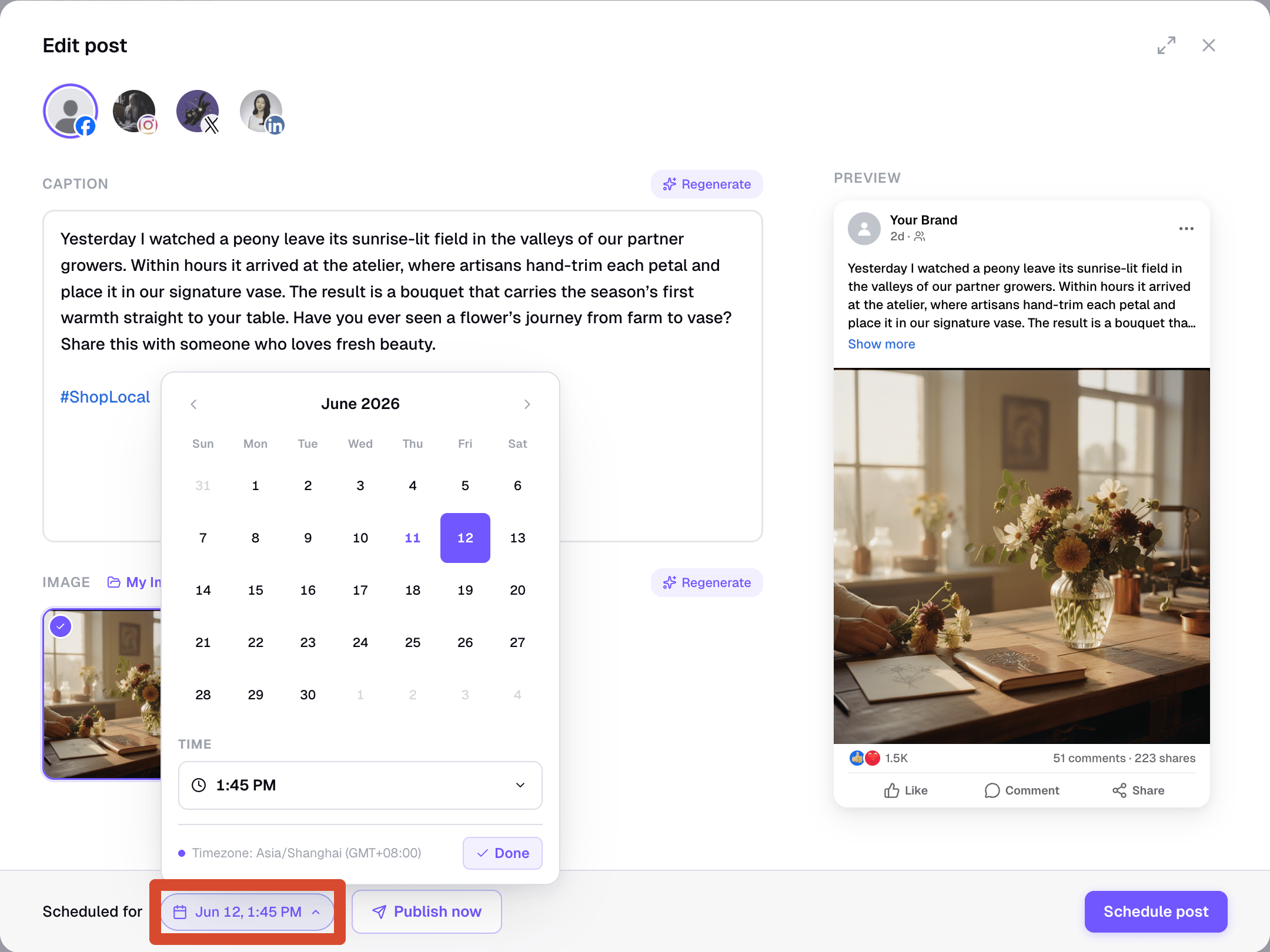
- Caption text
- Image
- Publish date and time
- Platform-specific content
6
Track Results in Sent
Sent shows posts that have been published, are being delivered, or have already reached their scheduled publish time.For each platform, you can see delivery status such as Pending, Published, or Failed. If a platform fails, use “Edit & Retry” or “Reconnect & Retry” to fix the issue and publish again.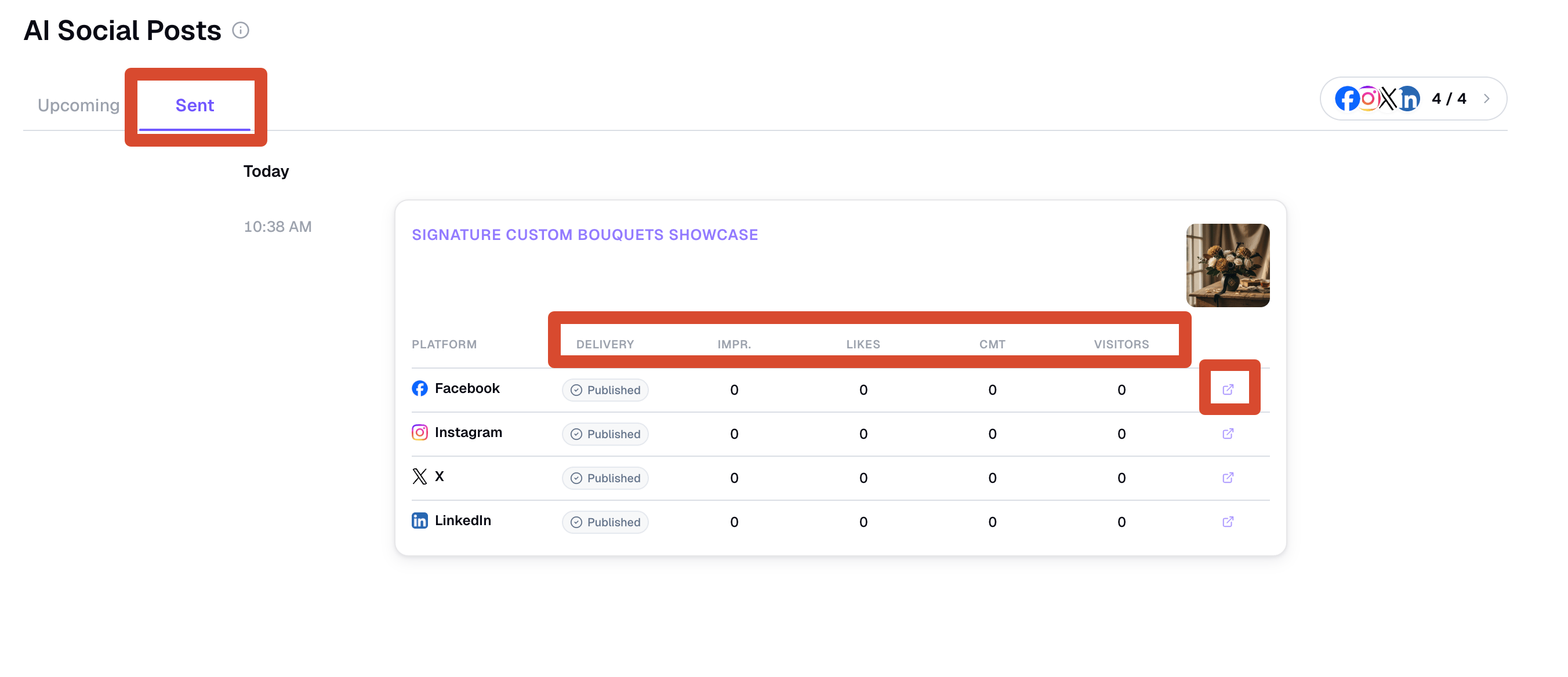
Platform Specifications
Captions are tailored for each platform and follow platform limits.
Images should use a platform-supported ratio. If an uploaded image ratio is unsupported, Readdy will ask you to choose another image.
Delivery Statuses
Readdy tracks delivery per platform.Post captions and images must follow each platform’s content and community guidelines. Posts that violate platform rules may fail to publish.
Sent Metrics
Sent cards show delivery and performance metrics for each platform row.Visitors measures traffic back to your published website from the social post. It is different from platform impressions, likes, comments, or total website traffic. Visitor tracking requires Web analytics to be enabled in Project Settings; if it is turned off, Readdy cannot collect this data.
FAQ
Will drafts publish automatically?
Will drafts publish automatically?
No. Drafts do not go live until you confirm them. Use “Schedule post”, “Schedule all”, or “Publish now” when you are ready.
Can I publish immediately instead of scheduling?
Can I publish immediately instead of scheduling?
Yes. Use “Publish now” from a post card or the edit window to send the post immediately.
Can I use my own images?
Can I use my own images?
Yes. In the edit window, you can upload an image or choose an image from your project files, as long as the image ratio is supported.
What happens if one platform fails?
What happens if one platform fails?
Sent shows delivery results per platform. Successful platforms stay published, and failed platforms can be retried after you fix the issue.
Why is a post still marked Pending?
Why is a post still marked Pending?
Pending means Readdy is waiting for the final platform result. Refresh Sent later, or wait for the delivery status to update.
Why can't I see publishing controls?
Why can't I see publishing controls?
If you are collaborating on a project as a Viewer, you can view generated posts but cannot publish, schedule, retry, regenerate, or manage accounts. Ask the project owner to change your role to Editor or Owner.