> ## Documentation Index
> Fetch the complete documentation index at: https://docs.readdy.ai/llms.txt
> Use this file to discover all available pages before exploring further.
# Using Forms to Collect Leads
> Create and manage forms to capture leads, feedback, and user input from your website visitors with Readdy's form builder
Form helps you capture and manage form submissions from your website visitors. Whether you're collecting leads, feedback, or any other user input.
## You have two ways to create a form:
Click the form submission button on the page to display the "Create Form" guide button. Click it to open the Form settings panel.
In Selector mode, click any form element on the preview page to display the "Form" settings button. Click it to open the Form settings panel.
## Storage Configuration
You can choose to store data in a new form or select an existing form for better organization.
After configuration, you can fill in and submit data in the preview interface. Click "Form" to verify if the data has been correctly stored in the form.
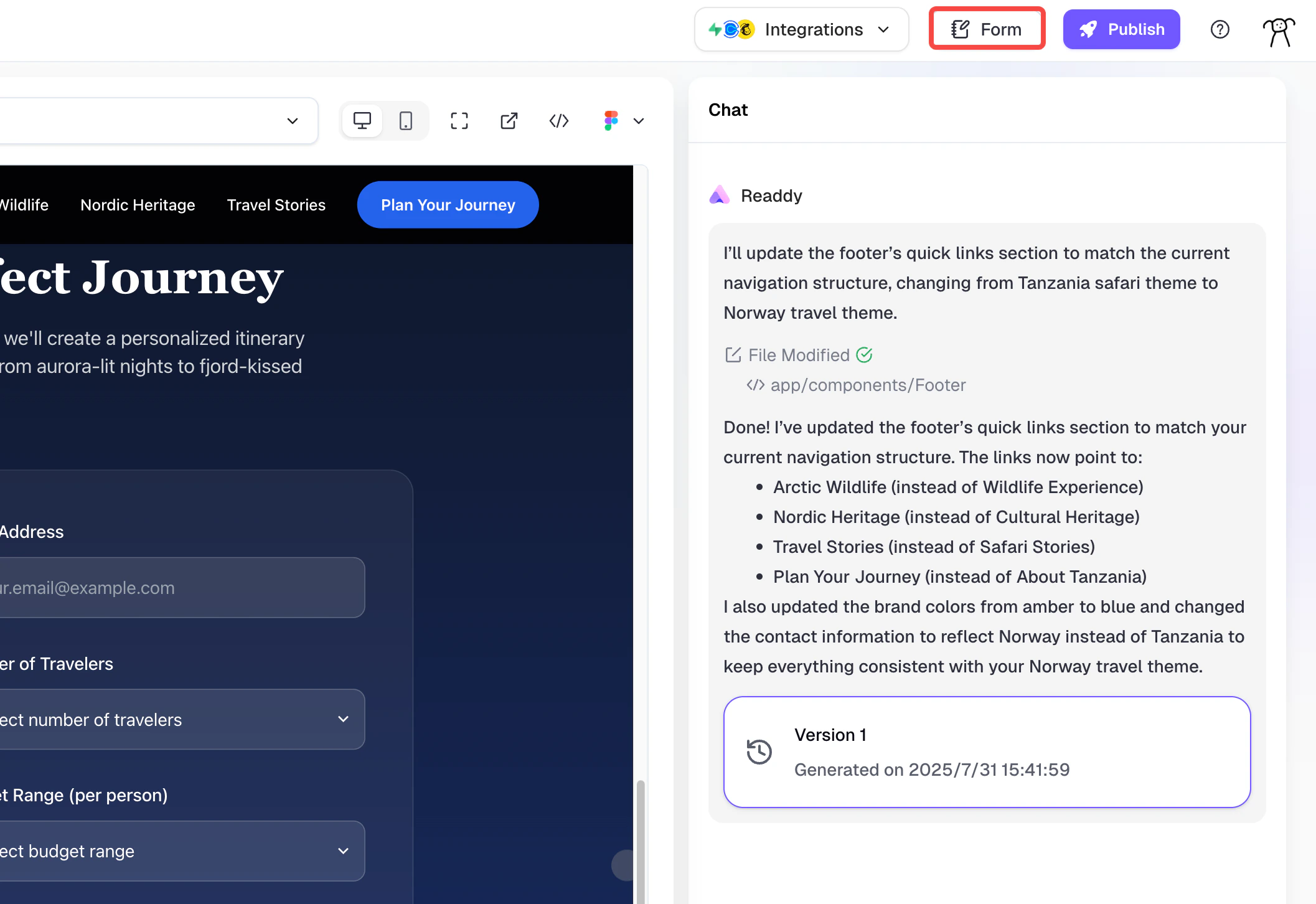 You can continue to modify the form. Data uploaded after modifications will still be stored in the previously configured form, though you can also change the form where data is stored.
## Data Management
You can continue to modify the form. Data uploaded after modifications will still be stored in the previously configured form, though you can also change the form where data is stored.
## Data Management
 ### Form Storage
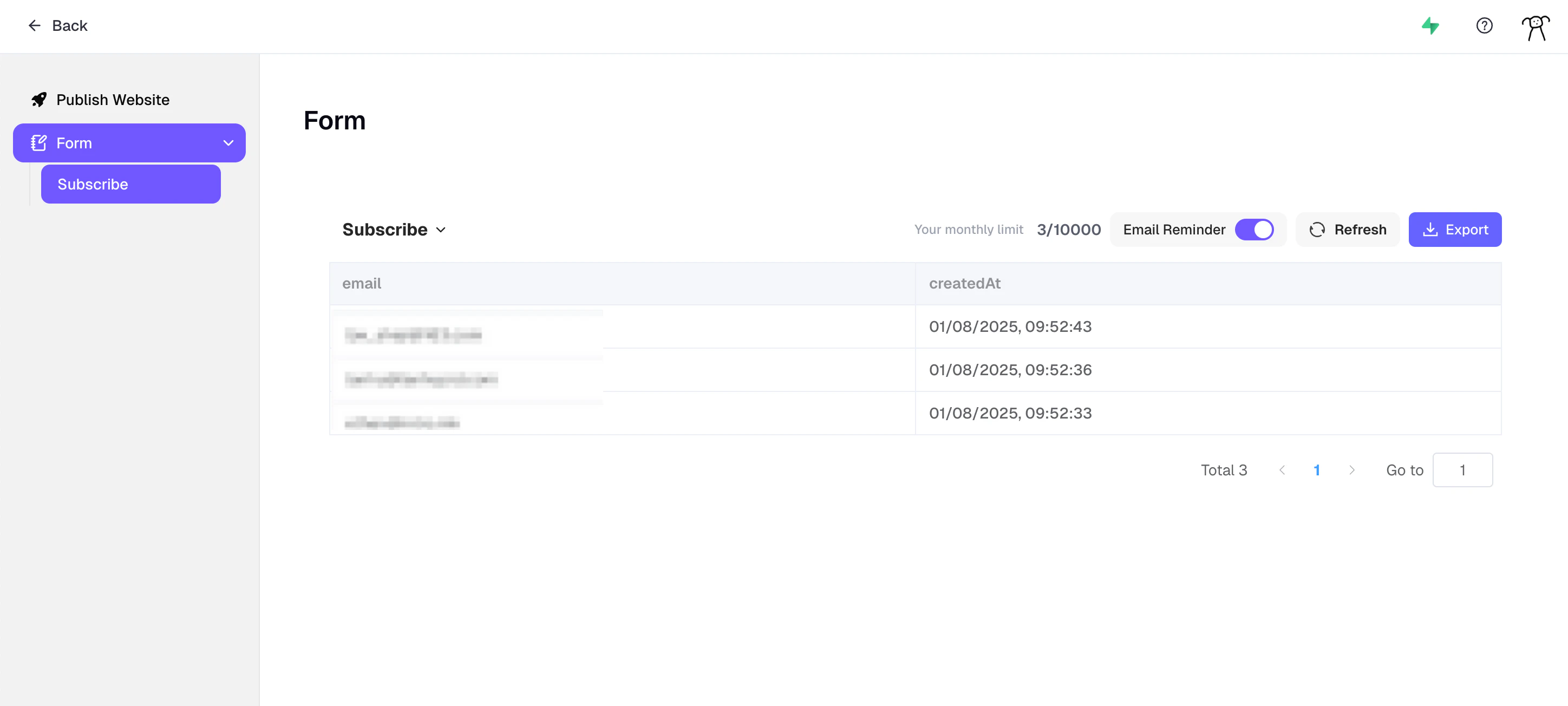
Form helps you manage all form data stored in the project. You can export stored form data in .xlsx format for further analysis or processing.
### Submission Notifications
You can toggle submission notifications on or off to control when you receive alerts about new form submissions.
## Notes
When you have the same form across multiple generated pages, you need to configure storage for each instance separately. Simply select to store all their data in the same form.
* Starter Plan has 50 submissions/month, Pro Plan has 10,000/month submissions.
* The monthly limit refers to the number of submissions, not the storage limit. This is unrelated to whether you delete forms, but it depends on form submissions.
### Form Storage
Form helps you manage all form data stored in the project. You can export stored form data in .xlsx format for further analysis or processing.
### Submission Notifications
You can toggle submission notifications on or off to control when you receive alerts about new form submissions.
## Notes
When you have the same form across multiple generated pages, you need to configure storage for each instance separately. Simply select to store all their data in the same form.
* Starter Plan has 50 submissions/month, Pro Plan has 10,000/month submissions.
* The monthly limit refers to the number of submissions, not the storage limit. This is unrelated to whether you delete forms, but it depends on form submissions.