> ## Documentation Index
> Fetch the complete documentation index at: https://docs.readdy.ai/llms.txt
> Use this file to discover all available pages before exploring further.
# Edit Page
> Learn how to edit your website pages using Readdy's AI chat interface and selector mode to modify text, and other elements precisely
The `Selector` feature has been fully updated. Please refer to the [Select to Edit and Quick Edit](https://docs.readdy.ai/features/select-to-edit-and-quick-edit) documentation for details.
* You can edit the page by chatting with Readdy in the dialog box at the bottom right corner.
* To more accurately indicate the elements you want to modify to Readdy, you can use **Selector Mode** to select text, images or other elements on your page.
## Selector Mode
Start by opening the **Selector Mode** to begin editing. This mode allows you to select elements on your page.
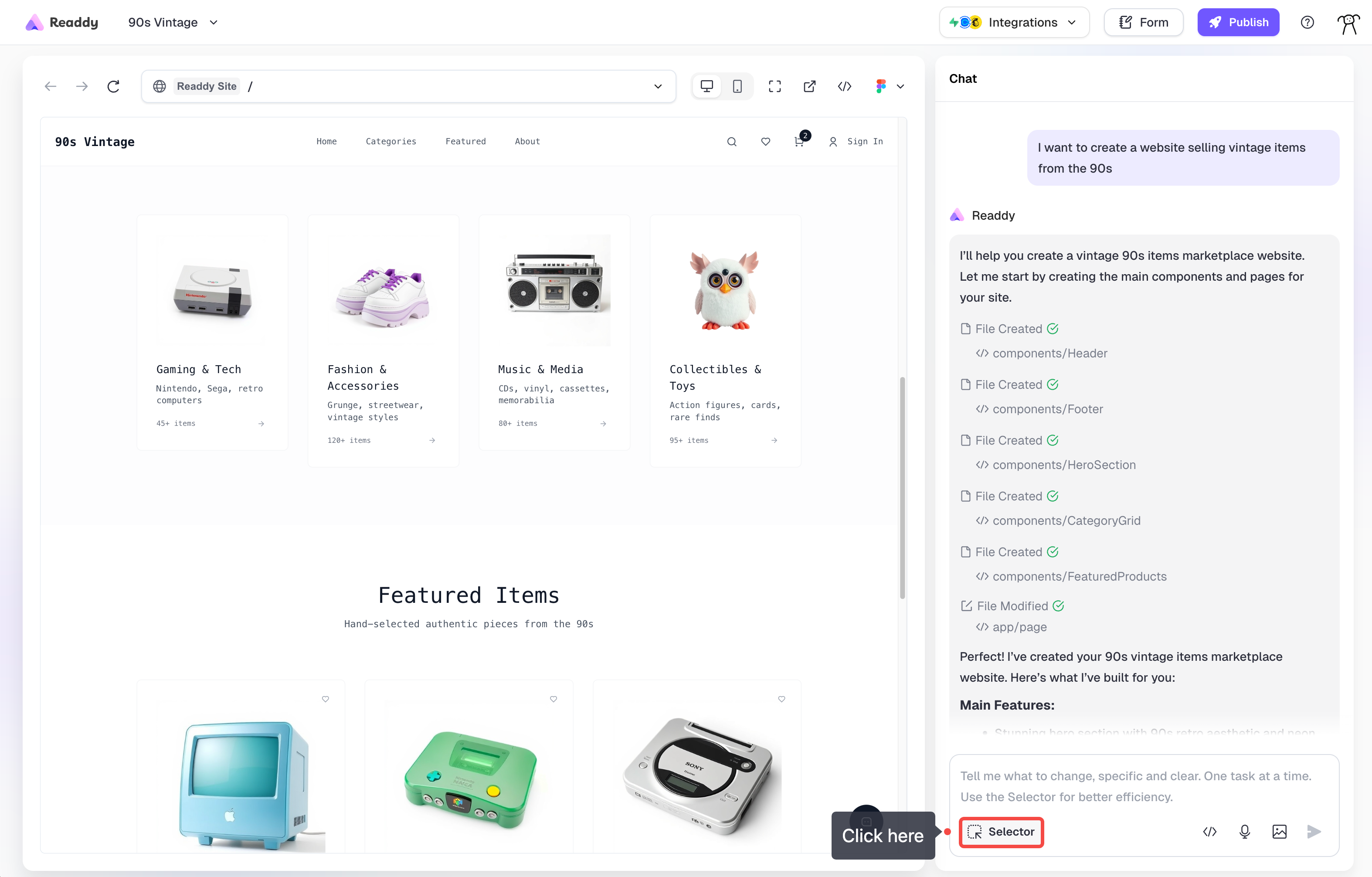 Click on any text, image, or section you'd like to modify. The selected element will be highlighted.
Choose from the available editing options based on what you selected.
Besides these operations, using the selector tool to select an element and then sending a command is also a good way. For example: make the selected text larger.
## Text Editing
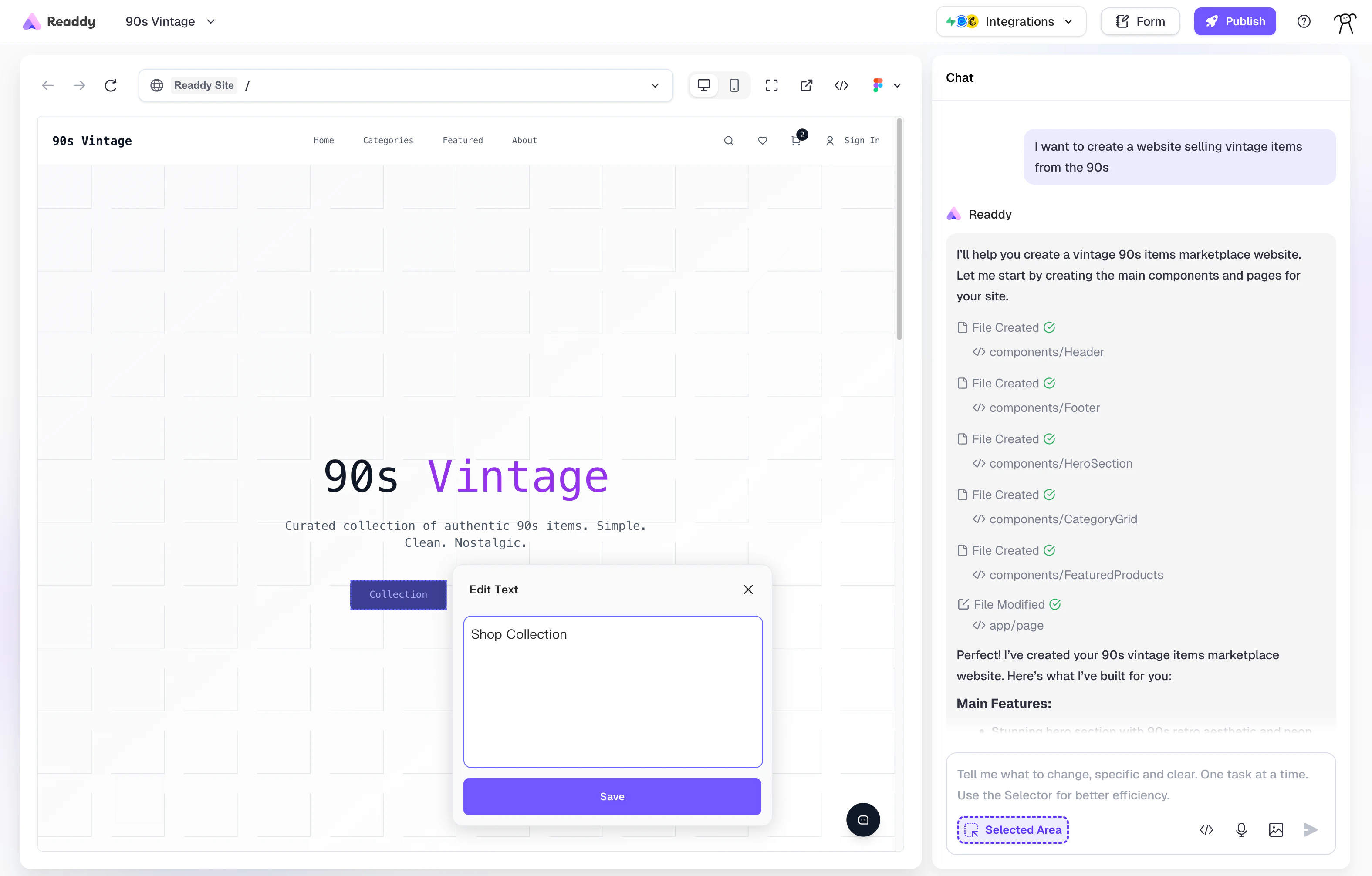
Simply activate Selector Mode, click on any text element, and choose the **Text** option to start editing directly.
Click on any text, image, or section you'd like to modify. The selected element will be highlighted.
Choose from the available editing options based on what you selected.
Besides these operations, using the selector tool to select an element and then sending a command is also a good way. For example: make the selected text larger.
## Text Editing
Simply activate Selector Mode, click on any text element, and choose the **Text** option to start editing directly.