> ## Documentation Index
> Fetch the complete documentation index at: https://docs.readdy.ai/llms.txt
> Use this file to discover all available pages before exploring further.
# How to export design to Figma / MasterGo
> Export your Readdy website designs to Figma and other design tools to continue editing in your preferred design environment
Export Current Page State to Figma Canvas (What you currently see) — including any interactive or dynamically changed content — directly into design tools.
## Export Process
Click the **Export** Button. Then:
### For Figma
Make sure you have the Readdy Figma plugin installed in your Figma workspace. You can find it here: [Readdy Figma Plugin](https://www.figma.com/community/plugin/1485938516254474618/readdy)
Open the Readdy plugin in Figma and paste the copied design data directly into the plugin interface.
### For MasterGo
**Paste in the Canvas**\
Simply paste the copied design data directly onto your canvas using Ctrl+V (or Cmd+V on Mac).
## FAQ
Export Current Page State to Figma Canvas (What you currently see in your eyes) — including any interactive or dynamically changed content — directly into Figma.
1. Trigger the state of the page to the state you want to export, such as when a pop-up appears or when the second tab is selected.
2. Click the **Export** Button
3. Click **Copy**
4. Paste
Now, the exact UI state as seen on the page can be exported into Figma.
Because their canvas is static canvas, they can't play the prototype or interactions.
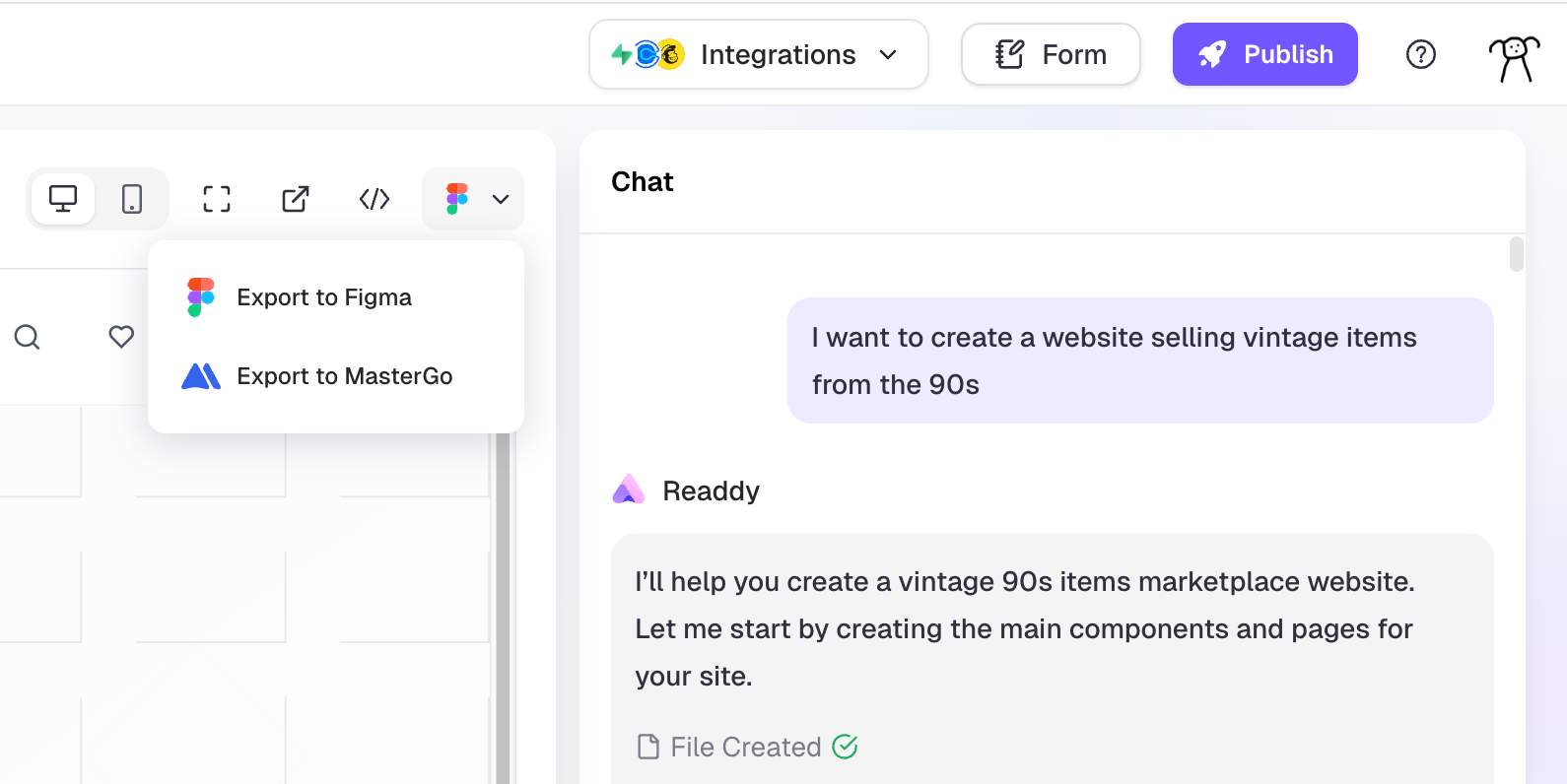 Click the **Export** Button. Then:
### For Figma
Click the **Export** Button. Then:
### For Figma